How to Install Smart Stream on Fire TV, Android TV, Samsung & LG (2026)
The ultimate step-by-step guide to install Smart TV Player on any smart TV. Covers Firestick sideloading with Downloader code, Samsung Tizen, LG webOS, Android TV, M3U playlists, Xtream Codes setup, and more.
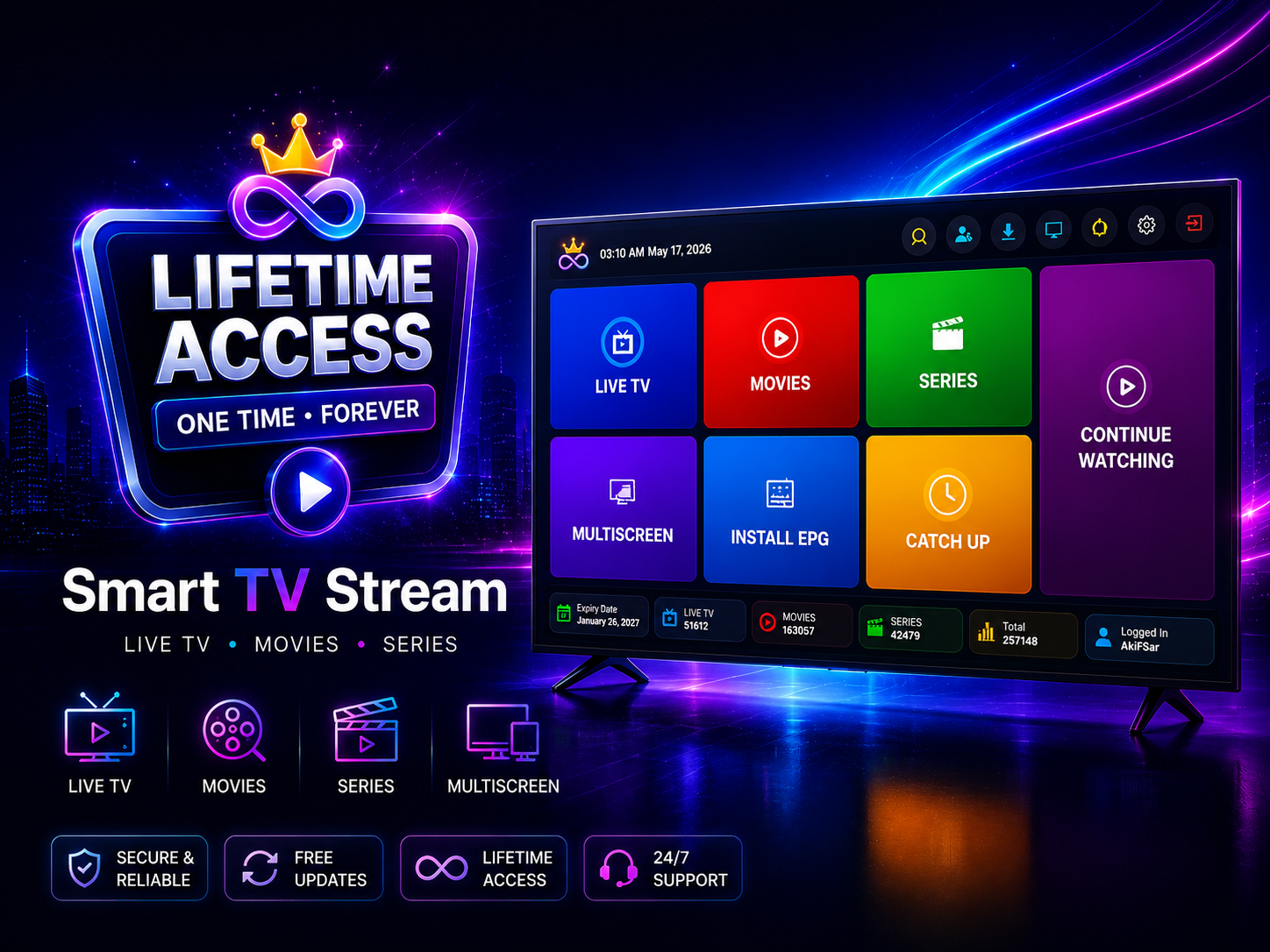
What is Smart TV Player?
Smart TV Player is a powerful Smart Stream that lets you watch live TV, VOD movies, TV series, and catch-up content on your smart TV. It supports M3U/M3U8 playlists and Xtream Codes API — the two most popular IPTV formats worldwide. The app works on Fire TV, Firestick, Android TV, Samsung Tizen, and LG webOS.
Unlike many Smart Streams, Smart TV Player offers a one-time lifetime license for $5.99 — no monthly subscription, no recurring fees. You bring your own IPTV playlist from your provider; the app is just the player.
What You Need Before Starting
- A smart TV or streaming device (Fire TV Stick, Android TV, Samsung, or LG TV)
- Active internet connection (Wi-Fi recommended for streaming)
- Your own IPTV playlist (M3U link or Xtream Codes credentials from your provider)
- About 5 minutes of free time
Supported Platforms
Smart TV Player is available on all major smart TV platforms:
Amazon Fire TV & Firestick
Sideload via Downloader app with code 2175189
Android TV (Sony, Xiaomi, Nvidia Shield)
Sideload APK via Downloader or direct download
Samsung Tizen TV (2017+)
Install directly from Samsung Galaxy Store
LG webOS TV
Install directly from LG Content Store
How to Install IPTV on Fire TV & Firestick
Amazon Fire TV Stick is the most popular streaming device worldwide. Since IPTV apps are typically not available on the Amazon App Store, you'll need to sideload the APK using the free Downloader app. This is completely safe, legal, and takes about 5 minutes.
Step 1 — Enable Unknown Sources
Before installing any app outside the Amazon App Store, you need to enable a single setting.
- Go to Settings on your Fire TV home screen (gear icon)
- Select My Fire TV (or "Device" on older models)
- Tap Developer Options
- Turn on Apps from Unknown Sources
- Tap Turn On to confirm
Step 2 — Install the Downloader App
Downloader is a free utility by AFTVnews, available directly in the Amazon App Store. Used by millions of Fire TV users for sideloading.
- Go back to the Fire TV home screen
- Search for "Downloader"
- Select the app by AFTVnews (orange icon)
- Click Download and wait for installation
- Open Downloader
Step 3 — Enter Downloader Code 2175189 to Download the Smart Stream
This is the key step. With Downloader open, get the Smart Stream installed in seconds.
- Tap the URL/Search box at the top
- Enter the Downloader code: 2175189
- Press Go
- Downloader will download the Smart TV Player APK automatically
- When finished, tap Install
- Wait for installation (under 30 seconds)
Step 4 — Activate Your License with QR Code
Open the Smart Stream on your TV. A QR code and 6-digit pairing code appear on screen.
- Scan the QR code with your phone
- You'll be directed to smarttvsetup.app
- Create an account or sign in with Google
- Complete the one-time payment ($5.99) — lifetime license
- The Smart Stream activates automatically on your TV
Step 5 — Add Your IPTV Playlist
After activation, add your IPTV playlist from your provider.
- Open the app and go to Login screen
- Choose Xtream Codes or M3U Playlist
- For Xtream: enter server URL, username, and password
- For M3U: enter your M3U/M3U8 playlist URL
- Tap Connect — channels, VOD, and series load automatically
How to Install IPTV on Android TV
For Android TV devices (Sony Bravia, Xiaomi Mi Box, Nvidia Shield, Chromecast with Google TV), the process is similar to Fire TV.
- Install Downloader from Google Play Store
- Enter code 2175189 or URL smarttvsetup.app/tv
- Install the APK when prompted
- Open the app, scan QR to activate, add your IPTV playlist
How to Install IPTV on Samsung TV (Tizen)
Samsung Tizen TVs (2017+) can install Smart TV Player directly — no sideloading needed!
- Open the Samsung Galaxy Store
- Search for "Smart TV Player"
- Click Install
- Open the app, scan QR code to activate
- Add your IPTV playlist and start watching
How to Install IPTV on LG TV (webOS)
LG webOS TVs can install Smart TV Player directly from the LG Content Store.
- Open the LG Content Store
- Search for "Smart TV Player"
- Click Install
- Open the app and scan QR code to activate
- Add your IPTV playlist and enjoy
How to Set Up Your IPTV Playlist
Smart TV Player supports M3U playlists and Xtream Codes API — the two most popular IPTV formats.
M3U / M3U8 Playlist Setup
M3U is the most common IPTV playlist format — a simple text file containing channel URLs.
- Get your M3U/M3U8 playlist URL from your IPTV provider
- Open Smart TV Player on your TV
- Go to Login / Add Playlist
- Select M3U Playlist
- Paste your URL and tap Connect
- Channels and content load automatically
Xtream Codes API Setup
Many IPTV providers give Xtream Codes credentials (server URL, username, password) instead of M3U links.
- Get server URL, username, and password from your provider
- Open Smart TV Player → Login
- Select Xtream Codes
- Enter server URL (e.g., http://example.com:8080)
- Enter username and password
- Tap Connect — live TV, VOD, series, EPG load automatically
Features of Smart TV Player
- Live TV — Watch live channels with EPG program guide
- VOD Movies & Series — Browse and watch on-demand content
- Multiscreen — Watch up to 4 channels simultaneously
- Parental Controls — Lock channels with PIN code
- Channel Collections — Create custom channel groups
- Subtitle Support — External and embedded subtitles
- Catch-up / Timeshift — Watch past programs
- 40+ Languages — Multi-language interface
- Remote-friendly — Designed for TV remote controls
- Lifetime License — $5.99 one-time, no subscription
Smart TV Player vs Other Smart Streams
| Feature | Smart TV Player | IPTV Smarters / TiviMate |
|---|---|---|
| Platforms | Fire TV, Android TV, Samsung, LG | Android only (most) |
| Pricing | $5.99 one-time (lifetime) | Monthly/yearly subscription |
| Multiscreen | Up to 4 channels | Limited or premium only |
| M3U + Xtream Codes | Both supported | Both supported |
| EPG Guide | Built-in | Built-in |
| Parental Controls | PIN-based locking | Limited |
| Samsung & LG native | Yes (app store) | No (Android only) |
Troubleshooting Common IPTV Issues
"App not installed" error on Fire TV
Unknown Sources is likely off. Go to Settings → My Fire TV → Developer Options and enable it.
Buffering or freezing during IPTV playback
Usually a network issue. Move closer to router, use Ethernet, or lower stream quality. IPTV needs 10+ Mbps for HD, 25+ Mbps for 4K.
Downloader code 2175189 not working
Enter 2175189 correctly (7 digits, no spaces). Or try URL: smarttvsetup.app/tv
IPTV channels not loading
Check your M3U URL or Xtream Codes credentials. Contact your IPTV provider to verify your subscription.
App not found on Samsung or LG store
Search "Smart TV Player" (exact name). TV must be 2017 or newer.
Frequently Asked Questions
What is the Downloader code for Smart TV Player IPTV?
The code is 2175189. Enter it in Downloader on Fire TV to install Smart TV Player. Or use URL smarttvsetup.app/tv.
Is sideloading IPTV apps on Fire TV legal?
Yes. Amazon provides the "Apps from Unknown Sources" toggle for this purpose. Downloader is on the Amazon App Store itself.
Does it work on all Fire TV models?
Yes — Fire Stick Lite, 4K, 4K Max, Fire TV Cube, and all Android TV devices.
How much does the Smart Stream cost?
$5.99 one-time lifetime license. No subscription, no recurring fees. Up to 2 devices per license.
Does it work on Samsung and LG TVs?
Yes! Available on Samsung Galaxy Store (Tizen) and LG Content Store (webOS). No sideloading needed.
What IPTV formats are supported?
M3U/M3U8 playlists and Xtream Codes API. Live TV, VOD, series, catch-up, and EPG.
Can I install without Downloader?
Yes — download APK from smarttvsetup.app/get and transfer via USB.
Does Smart TV Player provide channels?
No. It's a media player only. You need your own IPTV subscription from a provider.
What is the best Smart Stream for Firestick 2026?
Smart TV Player — M3U, Xtream Codes, multiscreen, EPG, parental controls, works on Fire TV + Samsung + LG. $5.99 lifetime.
Is this an IPTV Smarters alternative?
Yes — supports same formats but also works on Samsung and LG natively. Lifetime license vs recurring fees.
Ready to Get Started?
Install the best Smart Stream on your smart TV in 5 minutes. Enter Downloader code 2175189, or visit the download page.
Legal Notice
Smart TV Player is a media player application. It does not provide, host, or distribute any TV channels, movies, sports, or copyrighted content. Users are responsible for ensuring they have proper rights to access any content they stream. Use only with your own legally obtained IPTV subscriptions and playlists.